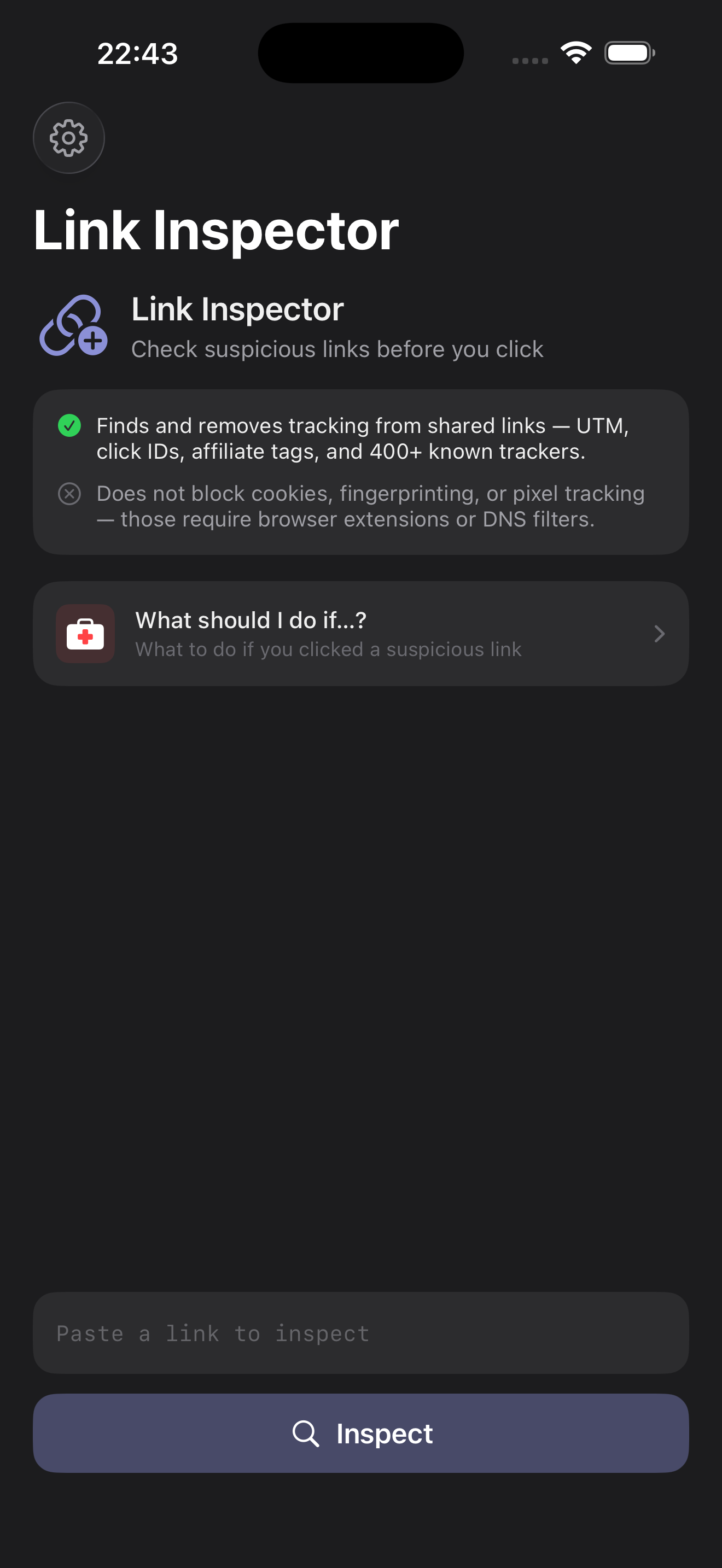
Someone shared a link — but is it clean? Link Inspector breaks any URL into its parts, flags what's tracking you, and lets you decide before you tap. All on your device.
Link Inspector doesn't strip things silently and ask you to trust it. It shows you what each parameter is, why it's there, and lets you choose.
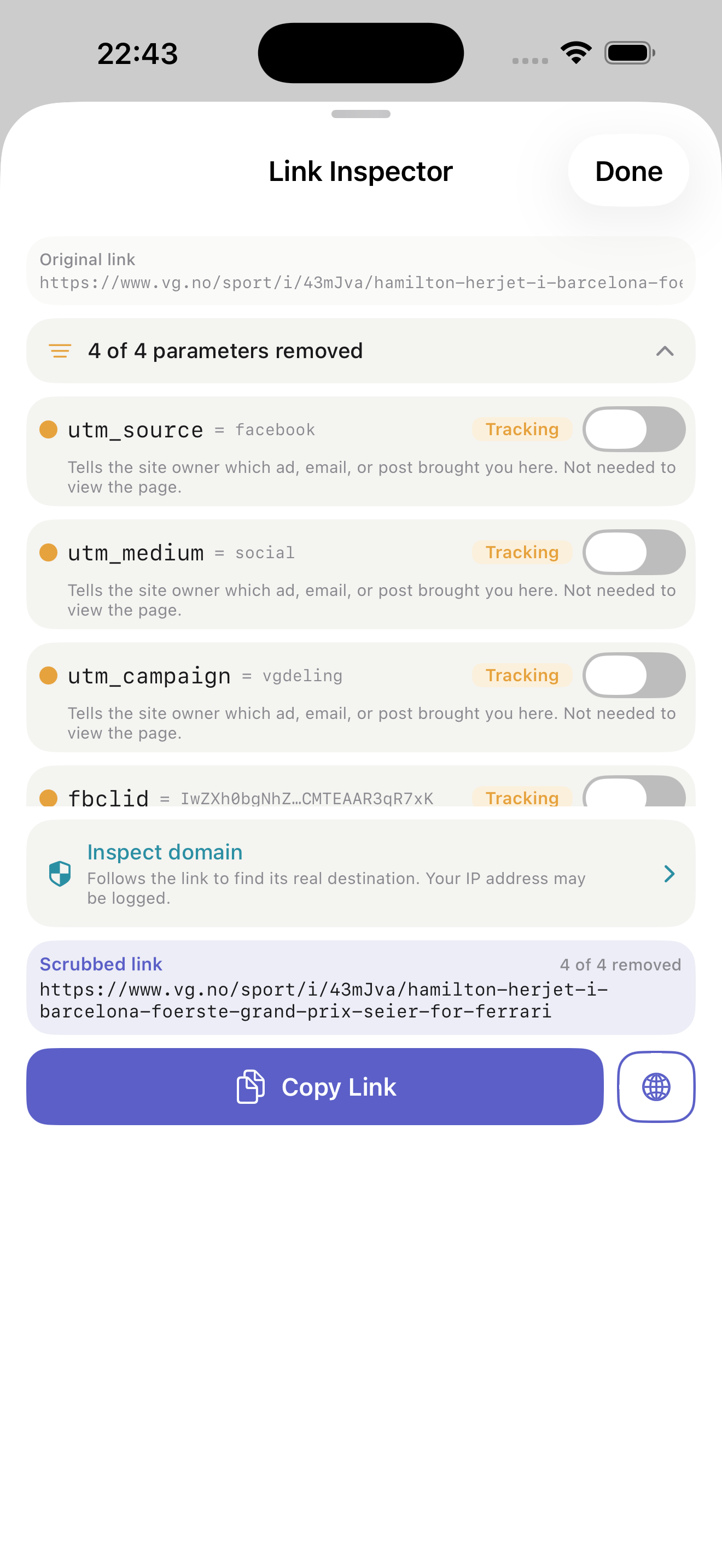
Every parameter is sorted into functional, unknown, likely tracker, or confirmed tracker — colour-coded and clear.
Detects UTM tags, click IDs, affiliate codes, and trackers across social, email, and ad platforms.
Reveals the real destination hidden inside Facebook, Google, LinkedIn, Outlook SafeLinks, and 30+ wrappers.
Functional parameters — OAuth tokens, gift links, payment callbacks — are recognised and kept intact.
Targeted cleaning for Amazon, eBay, TikTok, and dozens more — plus tracking fragments like #Echobox.
Parameter inspection happens entirely on your iPhone. No URL is ever sent to a server for analysis.
Share a link from any app, or paste it in. Link Inspector lays out every query parameter, flags the trackers in amber, and explains what each one does — in words anyone can understand.
Use the Share extension from any app — Messages, Mail, Safari — or paste a link straight into the app.
Every parameter appears, colour-coded by risk, with a plain-language note on what it does.
Keep what's functional, drop the tracking, and copy or open the result. Done.
A one-time upgrade follows the link to its true destination and reports plain-language signals about the domain — its age, its owner, its certificate. It reports what it sees; it never declares a link “safe” or “a scam.” You stay in control.
Your purchase keeps the app ad-free, independent, and funds new detection rules.
All parameter inspection happens entirely on your device — no URLs are sent to any server for analysis.
The optional Plus domain check connects directly to the target domain to follow redirects and read its certificate and DNS. Those requests go straight to the domain you're inspecting — never through our servers. Nothing from these checks is stored or shared.
If a link looked wrong after you tapped it, the built-in first-aid guide walks you through exactly what to check — from clearing browser data to removing unwanted configuration profiles. Calm, step-by-step, no jargon.
A guided checklist for the moment after a suspicious tap — so you know your next move.
Free to inspect and clean any link. Plus when you want to go deeper.
Download on theApp Store